How Unwire Launch Works: A Step-by-Step Guide
See how Unwire Launch helps readers discover products, compare alternatives, verify details, and follow new launches across Hong Kong and the wider region.

Written by Eric Leung
•3 min read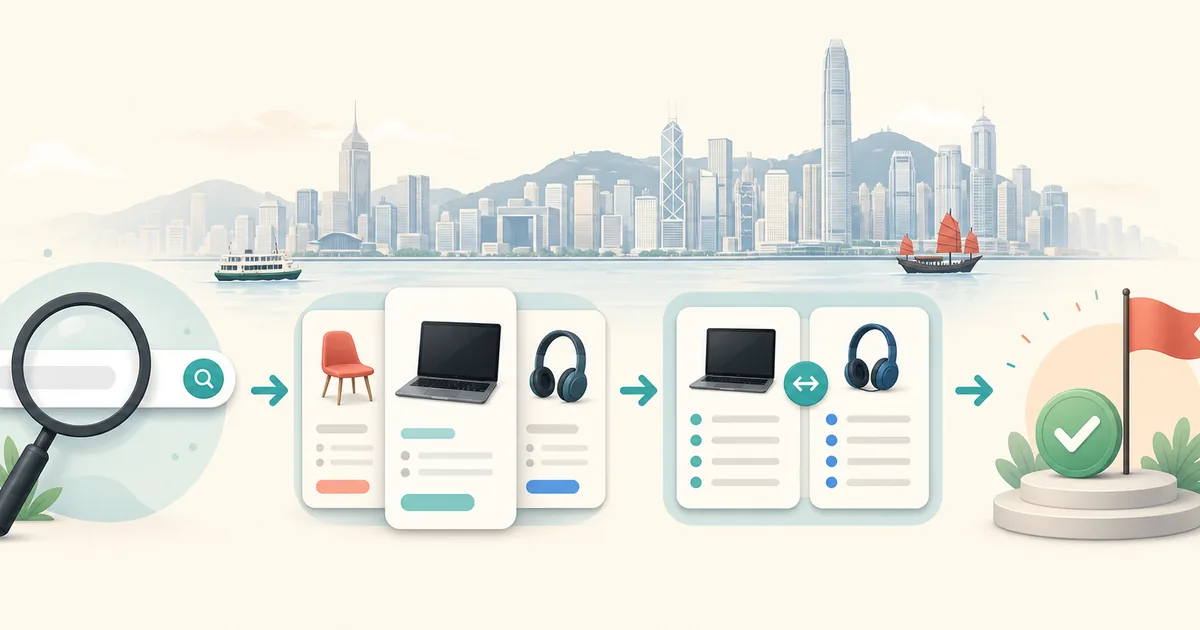
Unwire Launch turns product discovery into a practical sequence: find a product, understand who it serves, compare it with alternatives, verify important details, and decide what to try next. The homepage is the starting point; the Blog contains the deeper guides for each decision.
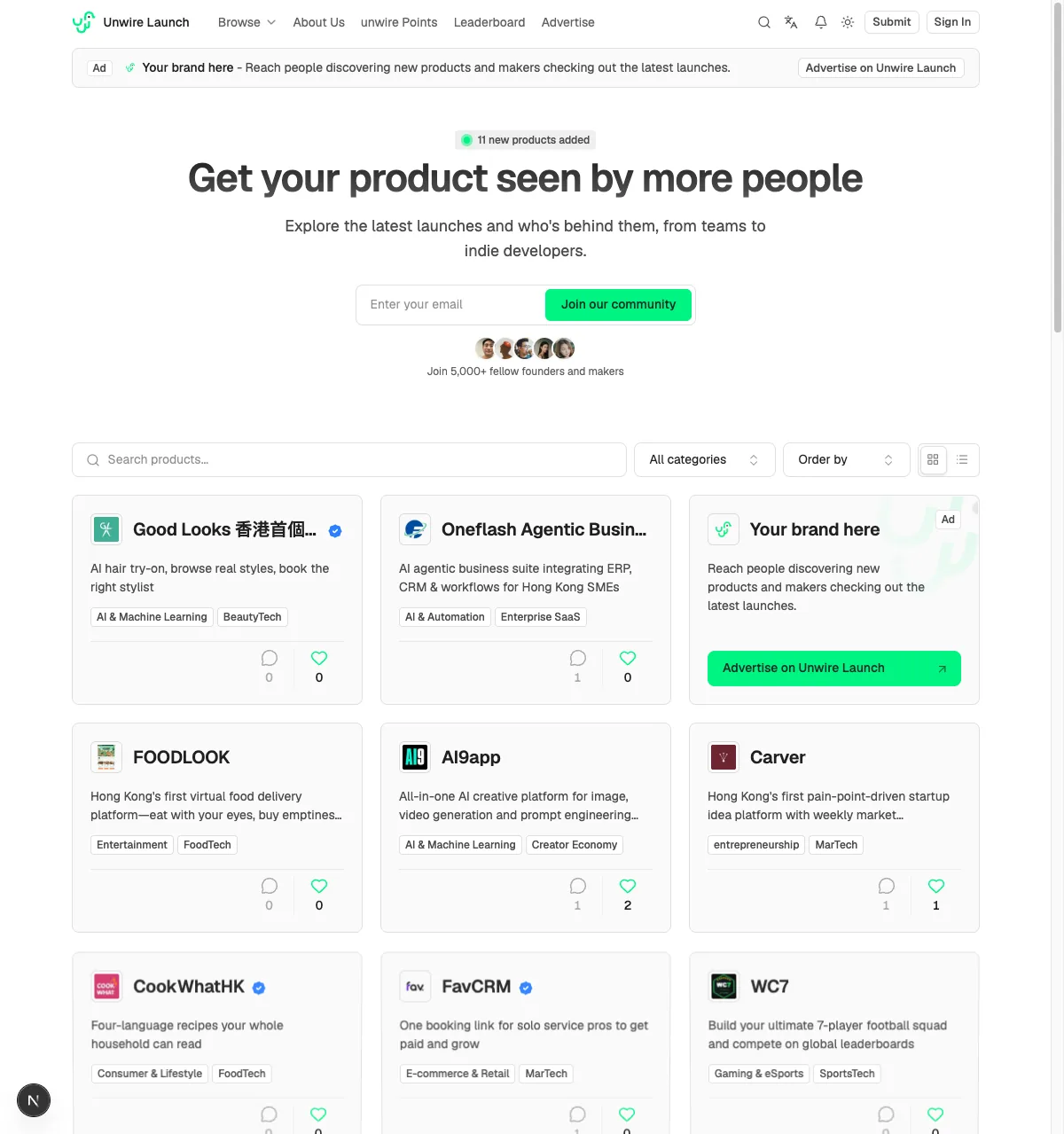
The homepage keeps discovery focused on search, categories, sorting, and product listings. The detailed guides are grouped under Blog.
1. Start with a product or a problem
Use the homepage to browse newly listed products, search by name or problem, or open product categories when you are still exploring. Each listing is designed to give you a quick first answer:
- What does the product help someone do?
- Who is it for?
- Where can you learn more or try it?
You do not need to know the perfect product name before you begin. Start with the job you want to improve, then narrow the results by category or related products.
2. Read the listing, then check the official source
A listing is a useful starting point, not a substitute for the maker's own website. Open the official link before relying on claims about pricing, availability, integrations, security, or supported languages.
Look for a specific description, a named audience, current links, examples, documentation, and a clear next step. If something important is unclear, treat that uncertainty as part of the comparison rather than filling the gap with an assumption.
3. Compare related products and alternatives
When you already know one product, visit similar products and alternatives to widen the shortlist. Compare the same criteria across each option:
- The workflow or problem it addresses.
- The audience and market it supports.
- The evidence available from first-party sources.
- The cost, setup effort, and switching cost.
- The limitations that matter for your situation.
The goal is not to name one universal winner. It is to make the trade-offs visible so a reader can choose with better context.
4. Use the guides for deeper decisions
The connected guides answer common follow-up questions:
- The Hong Kong product ecosystem guide explains where to discover local products and how to assess public listings.
- The AI tool comparison guide adds workflow fit, privacy, reliability, and total-cost checks.
- The Hong Kong product launch checklist helps founders prepare a useful listing and learn from early feedback.
- The software alternatives comparison guide gives a repeatable way to compare products without losing context.
Together, the guides connect discovery, evaluation, and launch rather than treating each page as an isolated answer.
5. Submit a launch or improve an existing listing
Founders can submit a product with its official URL, a concise description, relevant categories, and the audience it serves. A clear listing helps readers decide whether to investigate further.
If a product changes, send corrections or updates through contact. Current descriptions and working links make the directory more useful to readers and more understandable to search and AI systems.
The short version
Unwire Launch works best as a loop:
- Discover a product.
- Read the public listing.
- Verify important details on the official site.
- Compare alternatives and trade-offs.
- Test the best-fit option.
- Submit updates or feedback so the next reader has better context.
That is how a product directory becomes a useful research layer for Hong Kong products, AI tools, software, and new launches.